Operational Digitisation
Digitising the Daily Occurrence Register with Microsoft Forms and SharePoint
I replaced a central paper register—prone to delays, storage costs, and inconsistent access—with a digital workflow built on Microsoft Forms and SharePoint. Duty clerks can log incidents in seconds while leadership gains real-time awareness and searchable history.
Executive Summary
A paper register became a searchable, auditable workflow using only existing M365 licences.
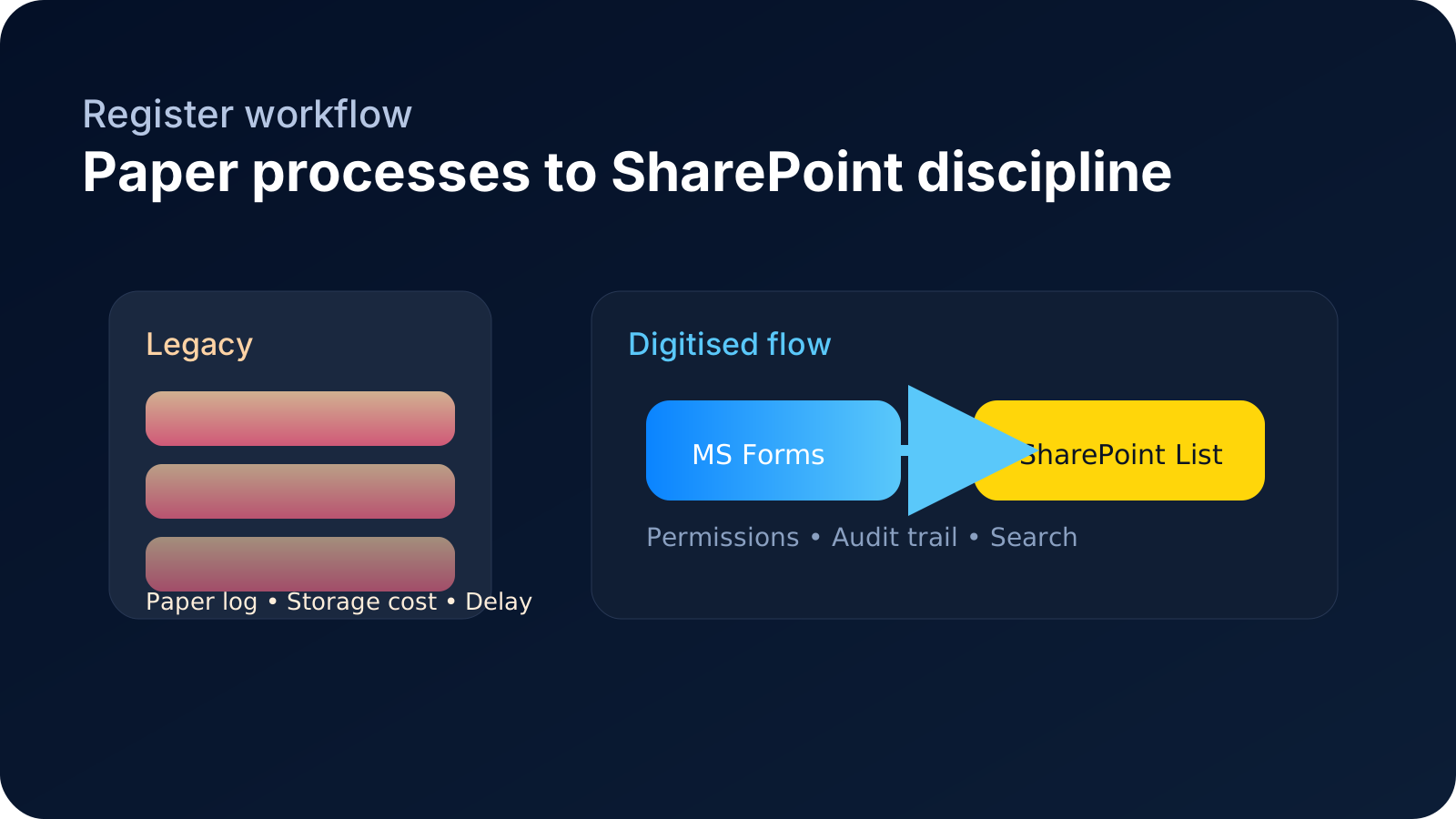
Each legacy field was replicated in Microsoft Forms, routed into a SharePoint list, and secured through role-based access. Leaders see the same layout they trusted, clerks log entries on any device, and the archive is instantly searchable.

Adoption rate
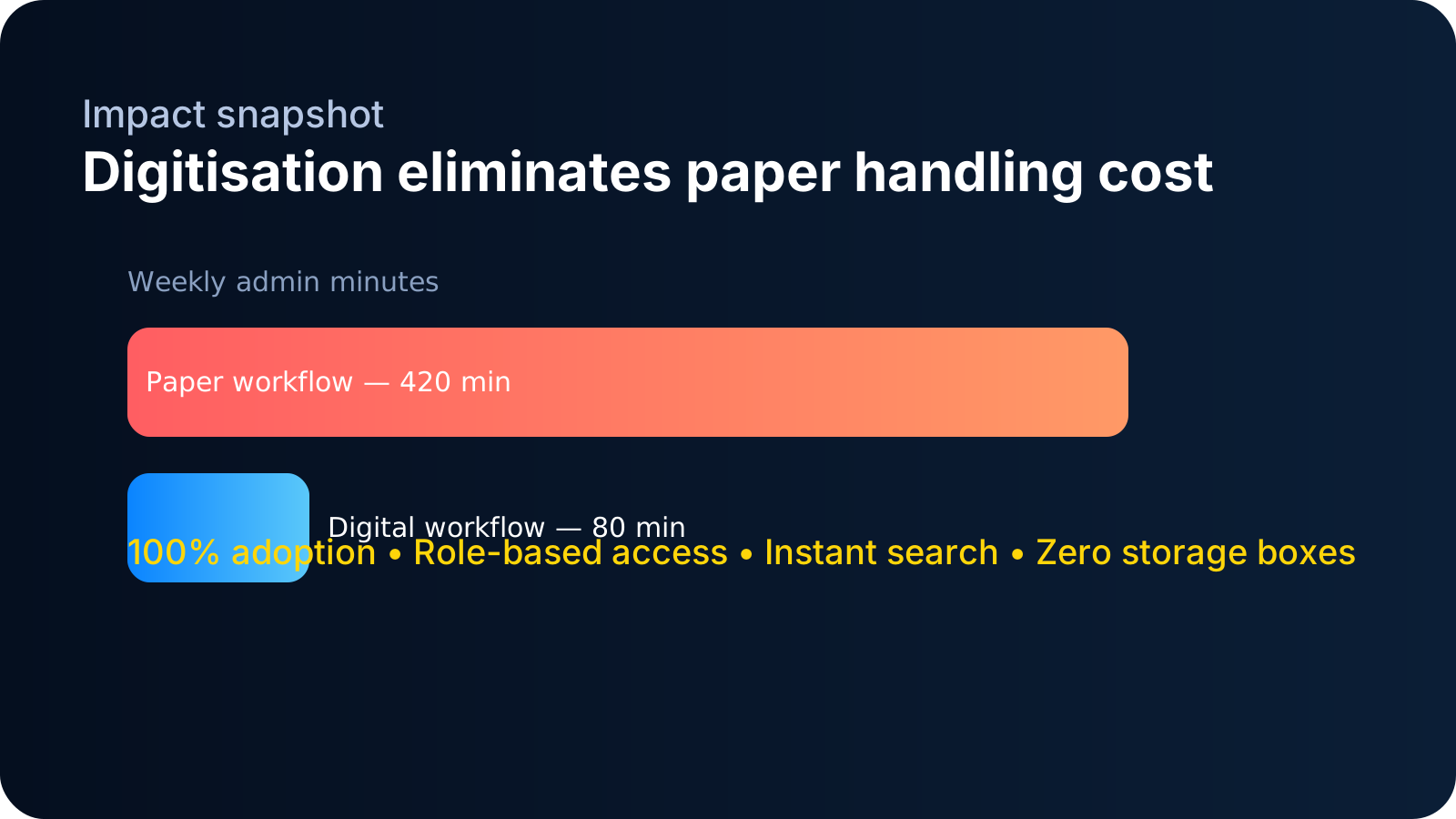
100% duty clerks migrated from paperSubmission latency
< 1 min to capture any incidentPaper storage
0 boxes physical archiving eliminatedAudit coverage
100% entries timestamped + attributedRegister Insights
Artifacts show how the digitised register improved speed, governance, and awareness.
Swipe or scroll sideways to move through the evidence cards.
Scroll horizontally ⟶
Context and Challenge
The Daily Occurrence Register existed as a paper ledger in a controlled office. Duty clerks had to locate the book, write incidents by hand, and later archive the volume. When events happened away from the desk, notes were captured on scraps of paper and re-entered later, adding latency, inconsistency, and storage overhead.
Solution Development
I rebuilt the register as a Microsoft Form with fields mapped one-to-one with the legacy book. Submissions flowed into a SharePoint list where permissions, validation, and views preserved the familiar structure. The solution leveraged existing Defence Microsoft 365 infrastructure—no new licences, just thoughtful configuration.
Initial Challenges and Stakeholder Engagement
Early adoption hinged on involving clerks and leadership before the form went live. I facilitated working sessions with the Command Team, provost staff, and administrators to confirm taxonomy, permissions, and retention policy. Because everyone contributed to the design, the unit dropped the paper book on day one.
Efficiency Gains and Impact
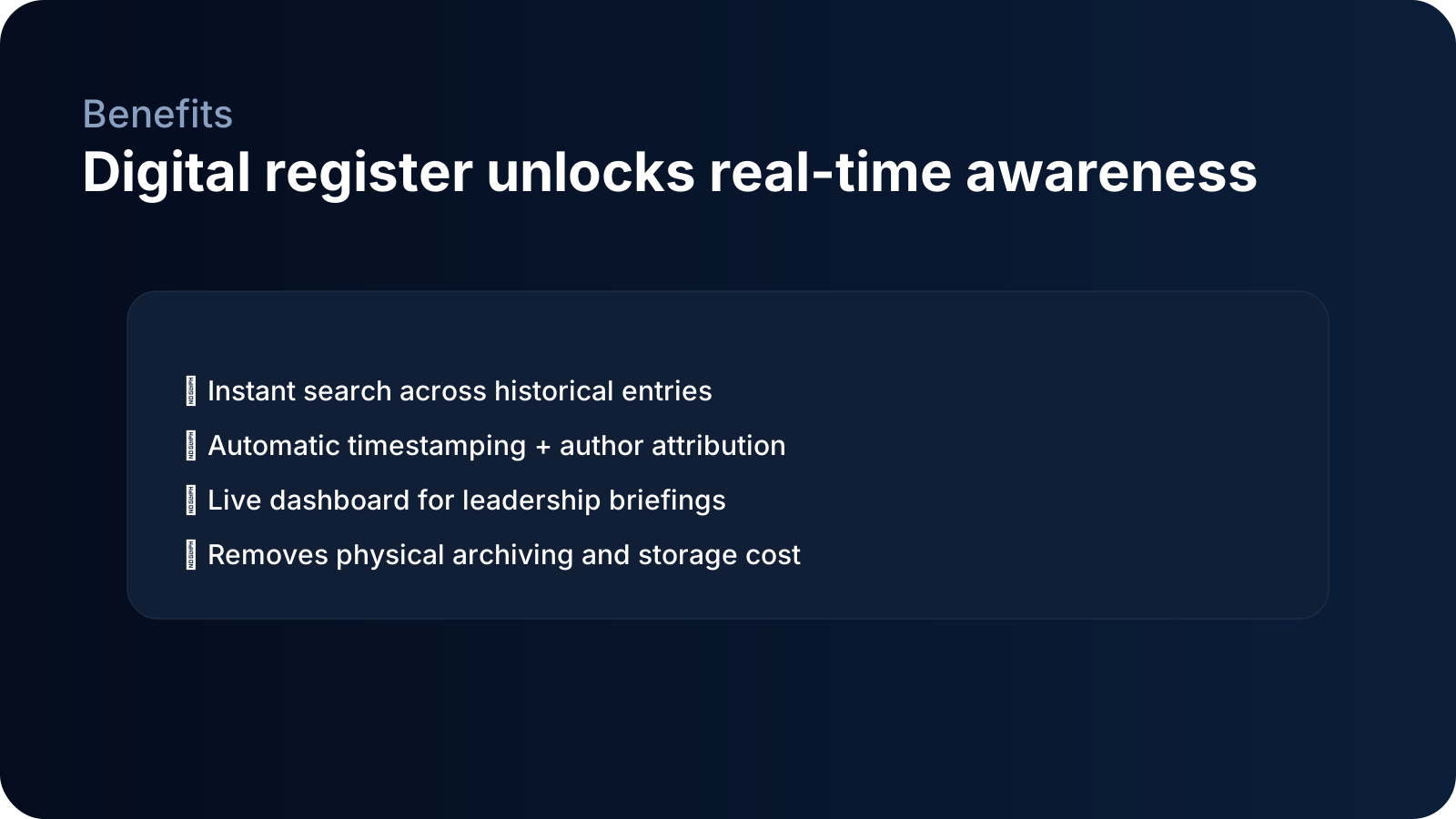
The digital register reduced data entry time, removed courier costs, eliminated storage cupboards, and improved leadership awareness. Incidents are logged as they happen, instantly searchable, and exportable for reporting. Archiving became a metadata filter instead of a physical task.
Technical and Professional Philosophy
This effort demonstrates a philosophy of using existing tools to drive tangible change. By focusing on user experience, governance, and incremental delivery, the team received a modern workflow without additional spend while gaining stronger compliance controls.
Narrative Framing for Stakeholders
- “Reduction in paper handling and physical storage costs.”
- “Improves data accuracy and timeliness.”
- “Enhances audit trails and accountability.”
- “Real-time data access and reporting.”
- “Effective use of existing infrastructure for digital transformation.”